Basic info
Log in
To log in to Energy Monitor:
Enter Energy Monitor URL in web browser
Enter your Username and Password and click Log In
Additional Notes
If more than one authorisation module is configured, you need to select the one you want to use from Login method drop down list.
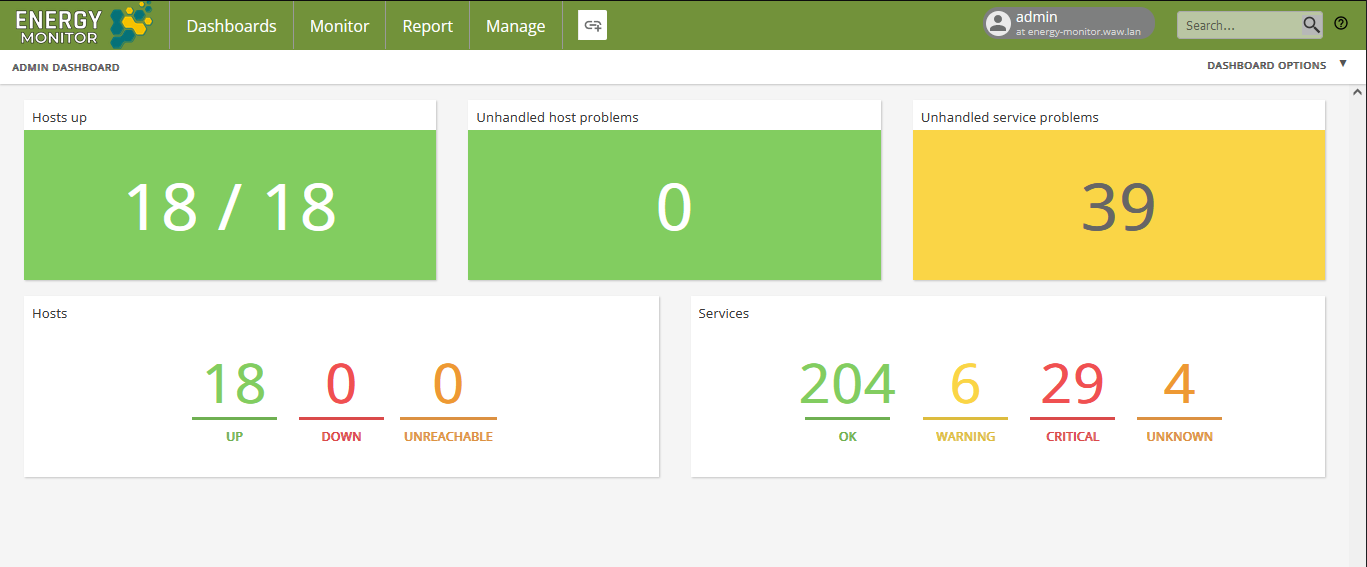
Your dashboard is displayed:
Log out
To log out:
Hover your mause over user icon at the top right of the page
Click Log out

Change you password
To change password:
Hover your mause over user icon at the top right of the page.
Click My Account.
Click Change password.
Enter your current password and new password then confirm with CHANGE PASSWORD button.
Get help
You can get help with at Energy Monitor in the follwoing locations:
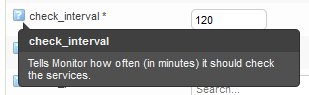
Directly in the user interface, by clicking the help icon next to required field:
At product documentation, available on the Energy Monitor Documentation