Saved reports
Reports generated in Energy Monitor can be saved for a later use in a dedicated menu.
Enter “Report” -> “Histogram” -> “Create Histogram Report”
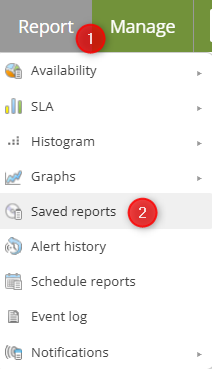
Reports are shown in the form of a list that can be sorted by following columns:
- Type of the report

- Name of the report

- Created by

- Created at

- Modified by

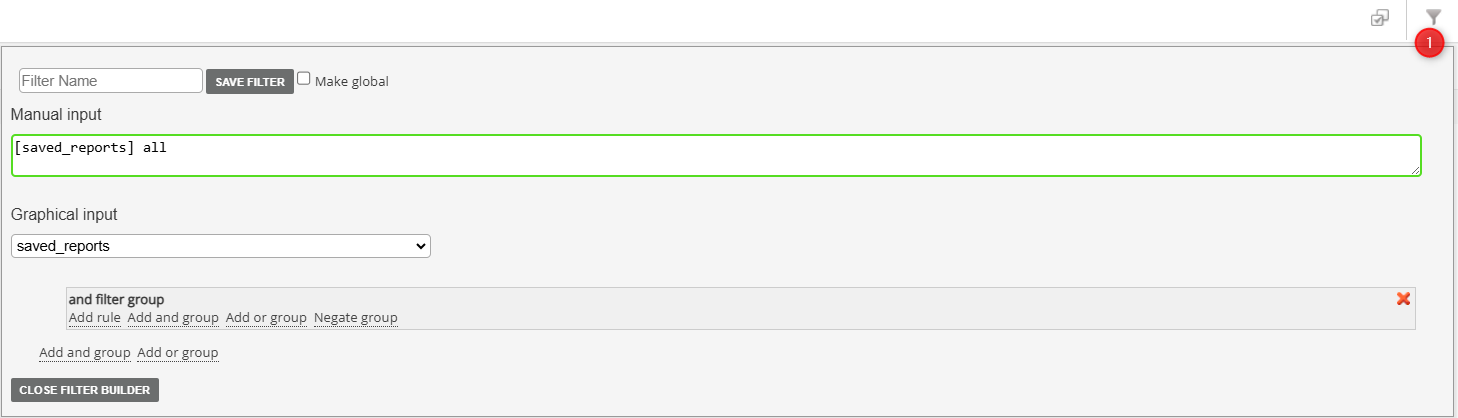
If the need arises, the list can have a custom filter applied, by clicking the icon of a “funnel” and specifying the parameters.