Adding Hosts to Groups
Energy Monitor supports the use of groups, which allow multiple hosts, services or contacts to be brought to together as 1 entry.
Practical example, would be a situation where a company has a 100 Windows hosts, IT department has decided to sort them into groups for ease and convenience.
Any changes to various parameters, like implementing metrics, can be controlled from the level of a group.
Changes in a group, affect all hosts that are within it.
Adding Hosts to groups
Enter “Manage” -> “Configure” -> “Contact Groups”
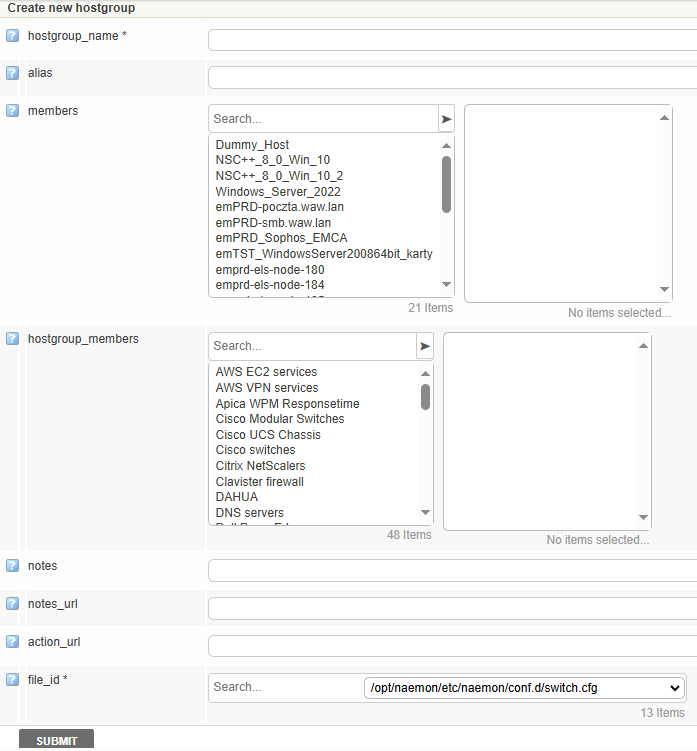
Create a new group or simply assign members to an existing one using the > and < arrows.
Submit the changes and save to the database