Adding Services to Groups
Energy Monitor supports the use of groups, which allow multiple hosts, services or contacts to be brought to together as 1 entry.
Practical example, would be a situation where a company has a 100 Windows hosts, IT department has decided and configured the services and metrics to be monitored on those endpoints and now, they would like to see multiple metrics/services from multiple hosts in 1 place.
Service groups cannot be assigned to hosts or hostgroups, that’s by design.
Their goal is to group services for visual purposes and notifications.
Adding Services to groups
Enter “Manage” -> “Configure” -> “Contact Groups”
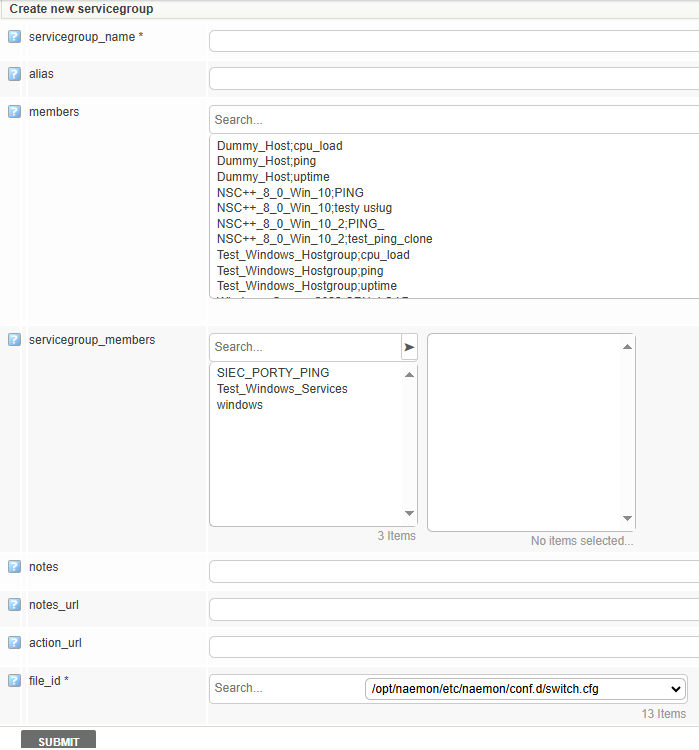
Create a new group or simply assign members to an existing one using the > and < arrows.
Submit the changes and save to the database
View of the service groups

View inside a service group
