Adding users
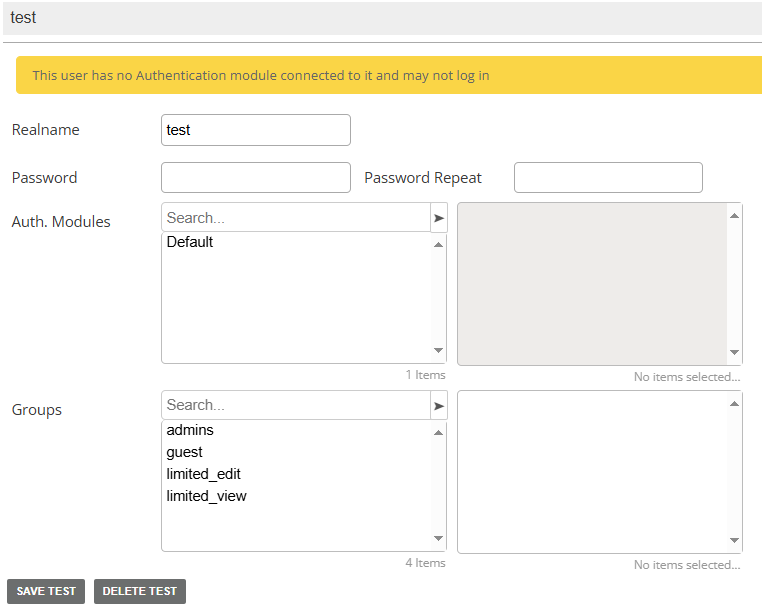
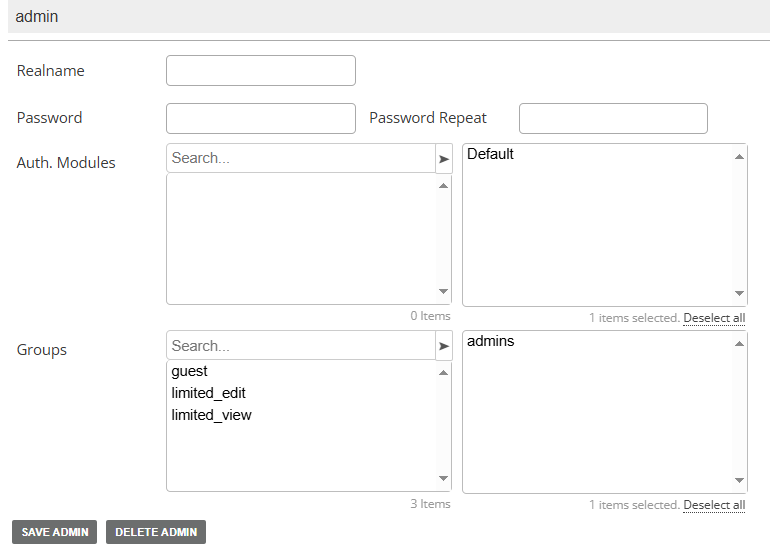
Adding users, regular ones and admins, into Energy Monitor can be done as follows:
Enter “Manage” -> “Configure” -> “Local Users”
Setting up grouprights
Enter “Manage” -> “Configure” -> “Group rights”
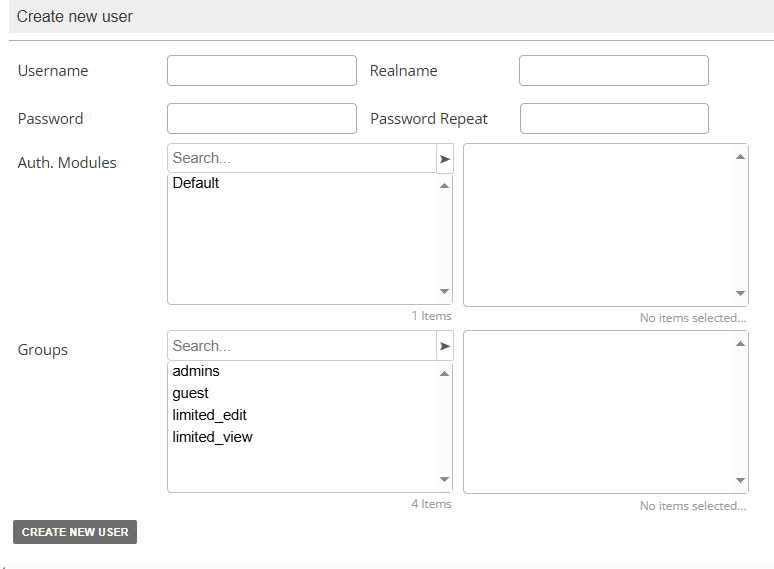
Enter username and password, assign “User group”
Keep in mind that a user must have an authentication module assigned to it.
If any issues occur, attempts to save the changes into the database will be highlighted with an appropriate color.